
Why Traditional Trading Feels Like a Chore
Let’s be honest for a second. We’ve all been there. It’s 2 AM, your eyes are burning from staring at Japanese candlesticks, and you’re waiting for that one RSI divergence that just won’t happen. You blink, you miss the entry, and then you spend the next hour chasing the market out of pure frustration. It’s exhausting. It’s emotional. And quite frankly, it’s why most traders eventually burn out.
By the time 2026 rolled around, the shift toward automation became less of a luxury and more of a survival tactic. That’s where this Deriv DBot automated trading tutorial comes in. If you can drag and drop a file on your computer, you can build a trading robot. No, you don’t need to know Python or C++. You just need to understand logic, and I’m going to walk you through exactly how to do that without the typical technical headache.
Getting Started: The Anatomy of the DBot Interface
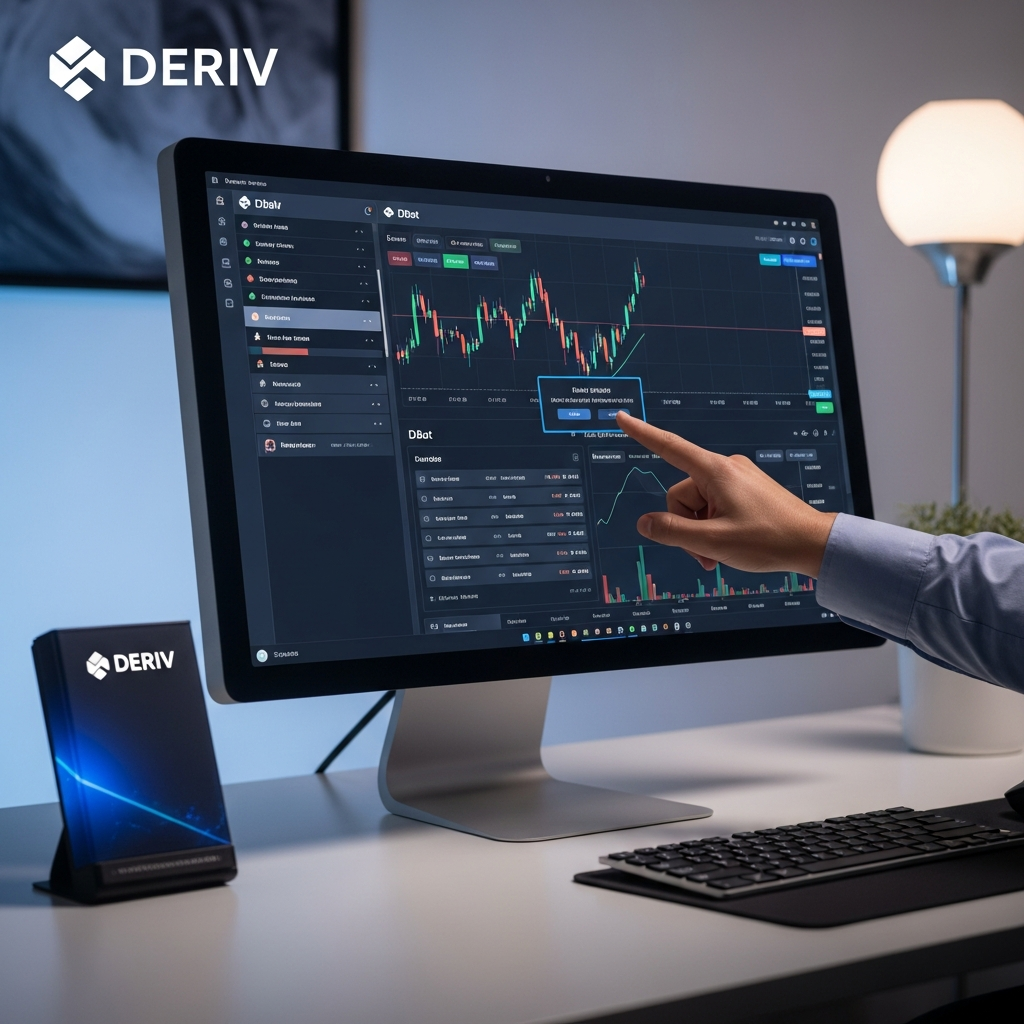
When you first log into the DBot dashboard on Deriv, it might look a bit like a digital Lego set. Don’t let the blocks intimidate you. The platform is designed to be intuitive, but like any powerful tool, it has a learning curve. Unlike the old-school MT4 Expert Advisors that required thousands of lines of code, DBot uses a visual programming interface.
On the left-hand side, you’ll see your library of blocks. These are your building sticks. You have blocks for “Trade Parameters,” “Purchase Conditions,” and “Sell Conditions.” The central canvas is your playground. This is where the magic happens. Think of it as a flowchart of your brain’s decision-making process. If the price does X, then the bot should do Y. It’s that simple, yet incredibly deep if you want it to be.
Understanding the Dashboard
The dashboard is split into four main areas. First, you have the strategy builder where you assemble your blocks. Second, there’s the bot controller where you start, stop, and monitor your bot’s performance in real-time. Third, you have the transaction log—this is your bread and butter for analyzing what went right or wrong. Finally, there’s the analysis tab, which gives you a bird’s-eye view of your profit and loss. Before we dive into the “how-to,” make sure you’re comfortable navigating these tabs. There’s nothing worse than wanting to stop a bot and forgetting where the ‘Stop’ button is during a market spike.
Step-by-Step Deriv DBot Automated Trading Tutorial: Building Your First Strategy
Let’s build something tangible. We aren’t going to build a complex high-frequency algorithm on day one. Instead, we’ll focus on a basic strategy that uses the Volatility 100 (1s) Index. This asset is great for bots because it’s open 24/7 and doesn’t care about bank holidays or geopolitical news.
Defining Your Market and Trade Type
The very first block you’ll deal with is the “Trade Parameters” block. This is where you tell the bot what it’s even looking at. You’ll select your market (Indices), your sub-market (Volatility Indices), and your specific symbol (e.g., Volatility 10 Index).
Next, choose your trade type. For beginners, “Rise/Fall” or “Over/Under” is usually the easiest to wrap your head around. You’ll also set your contract duration. In the fast-paced world of 2026, many traders prefer “Ticks” for quick scalping bots, but for more stability, “Minutes” are your friend. Set your stake amount here too. A word of advice: always start with a stake that represents less than 1% of your balance. Patience is the name of the game.
The Logic: When to Buy and When to Wait
This is the “Purchase Conditions” block. It’s the brain of your bot. Without this, your bot is just a random number generator. You’ll want to use an indicator to trigger a trade. For example, let’s use the Relative Strength Index (RSI).
Go to the “Indicators” section in the block menu and drag out an RSI block. You can set it so that IF the RSI is below 30 (oversold), THEN the bot should purchase a “Rise” contract. This is basic contrarian logic. You’re betting that the price will bounce back up after being pushed down too far. It’s a classic move that has worked for decades and still holds weight today.
Advanced Block Management: Variables and Math
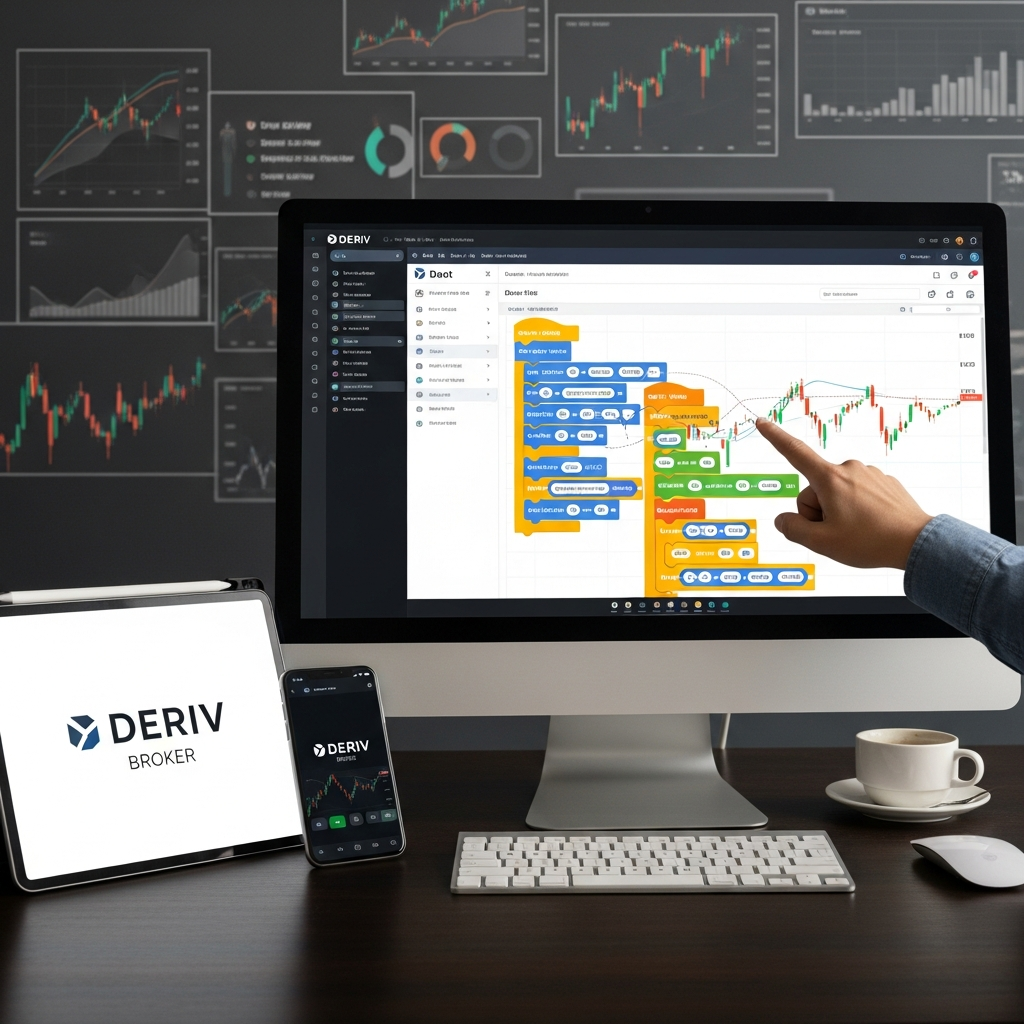
Once you get the hang of basic IF/THEN statements, you’ll want to start using variables. Variables allow your bot to “remember” things. For instance, you can create a variable called “Consecutive Losses.”
Every time a trade results in a loss, you can tell the bot to add 1 to that variable. Why? Because then you can create a rule that says: “If Consecutive Losses is greater than 3, stop the bot for 30 minutes.” This is how you prevent a ‘black swan’ event from wiping out your entire account while you’re away from your keyboard. Using the “Math” blocks allows you to calculate these things on the fly. It feels like high school algebra, but this time, it actually makes you money.
The Golden Rule: Risk Management in Automation
I cannot stress this enough: a bot is only as good as its risk management. In this Deriv DBot automated trading tutorial, we aren’t just talking about entries; we’re talking about survival. Most people fall into the Martingale trap. They think, “If I lose $1, I’ll bet $2. If I lose that, I’ll bet $4.” This works until it doesn’t. And when it doesn’t, it’s catastrophic.
Instead of aggressive Martingale, consider a “Take Profit” and “Stop Loss” limit. You can build these directly into the “Restart Trading” block (Block 4). You tell the bot: “If total profit is greater than $50, stop.” Or, “If total loss is more than $20, stop.” Setting these boundaries is like putting a leash on a powerful animal. It keeps the bot from running off a cliff while you’re out grabbing a sandwich.
Testing Without Risk: Using the Demo Account
Deriv provides a virtual account with $10,000 for a reason. Use it. I’ve seen too many traders build a bot, get excited, and run it on their real account immediately, only to realize they made a logic error in the blocks. Maybe they set the duration to “hours” instead of “ticks.” Maybe they forgot to set a stop loss.
Run your bot on the demo account for at least 48 hours. Watch how it handles different market conditions. Does it stay calm during a trend? Does it freak out during high volatility? If the results look good on paper, only then should you consider moving to a live environment. Even then, start small. The psychological difference between losing “play money” and real cash is huge, even if the bot is doing all the work.
Troubleshooting Your Bot
Sometimes your bot won’t run, and you’ll see a little red notification. Usually, it’s a simple fix. Check your “Trade Parameters” block first. Did you select a contract type that isn’t available for that specific market? For example, some indices don’t allow “Ends Between” trades.
Another common issue is the “Limit Exceeded” error. This happens if your bot tries to open trades too quickly or if you’ve hit a daily limit set by the platform. If your bot isn’t placing trades at all, double-check your logic. If you told it to buy only when RSI is below 10, it might wait for days before that condition is met. Try loosening your criteria a little bit to see if the bot wakes up.
Maximize Success in 2026
The beauty of the Deriv DBot is that it evolves with you. As you learn more about technical analysis, you can plug those insights into your bot. Maybe you start using Bollinger Bands to filter out trades during “choppy” markets. Or maybe you integrate MACD to catch the momentum of a new trend.
One thing to keep in mind: no bot is “set it and forget it” forever. Markets change. What worked in January might not work in June. Make it a habit to review your bot’s performance once a week. Tweak the variables, adjust the stake, and stay informed about the assets you’re trading. Automation is a tool to enhance your trading, not a complete replacement for your brain.
Look, the world of trading is changing fast. By mastering this Deriv DBot automated trading tutorial, you’re putting yourself ahead of the curve. You’re moving away from emotional, impulsive decisions and toward a disciplined, logic-based approach. It takes a bit of practice to get your blocks perfectly aligned, but once you see that first green trade pop up while you’re busy living your life, you’ll realize it was worth every minute of the setup. Happy bot building, and may the markets be in your favor.