
The Frustration of a Blown Practice Account
We have all been there. You open a new demo account, feeling like the next market wizard. You have got your strategies lined up, your indicators are glowing green, and that virtual $10,000 balance looks like a mountain of opportunity. Then, a couple of bad trades happen. Maybe you over-leveraged on a Volatility Index, or perhaps a sudden news event caught your gold trade off guard. Before you know it, that $10,000 has shrunk to a measly $150.
It is a gut-punch, even if the money isn’t real. The psychological weight of seeing a depleting balance can kill your motivation to practice. You want a fresh start. You want to try that new Expert Advisor (EA) or that price action strategy you saw on a forum, but you need a full balance to accurately test your risk management. This is where the Deriv demo account balance reset becomes your best friend.
In this guide, I am going to walk you through exactly how to get that balance back to its original glory. No fluff, no robotic tutorials—just the straight path to getting back in the game in 2026.
Why You Might Need a Deriv Demo Account Balance Reset
Before we jump into the ‘how-to’, let’s talk about the ‘why’. Why do traders care so much about resetting a practice account? It is more than just vanity. It is about the integrity of your data. If you are trying to simulate a $10,000 funded account challenge, you cannot realistically do that with a $43.20 balance left over from a series of revenge trades.
- Testing New Strategies: Every new strategy requires a clean environment. If your current balance is messy, your percentage-based risk calculations will be all over the place.
- Psychological Reset: Sometimes, you just need to clear the board. Seeing a full balance helps you approach the charts with a calmer, more professional mindset.
- EA Optimization: If you are running automated bots, they often need a specific starting capital to function according to their programmed logic.
- Learning from Mistakes: After a series of losses, resetting allows you to treat the ‘new’ account as a second chance to apply the lessons you just learned the hard way.
How to Perform a Deriv Demo Account Balance Reset: The DTrader Method
If you are trading directly on the web platform, known as DTrader, the process is usually the most straightforward. Deriv has designed the interface to be user-friendly, but sometimes the ‘Top Up’ button feels like it is playing hide and seek.
The Step-by-Step Breakdown
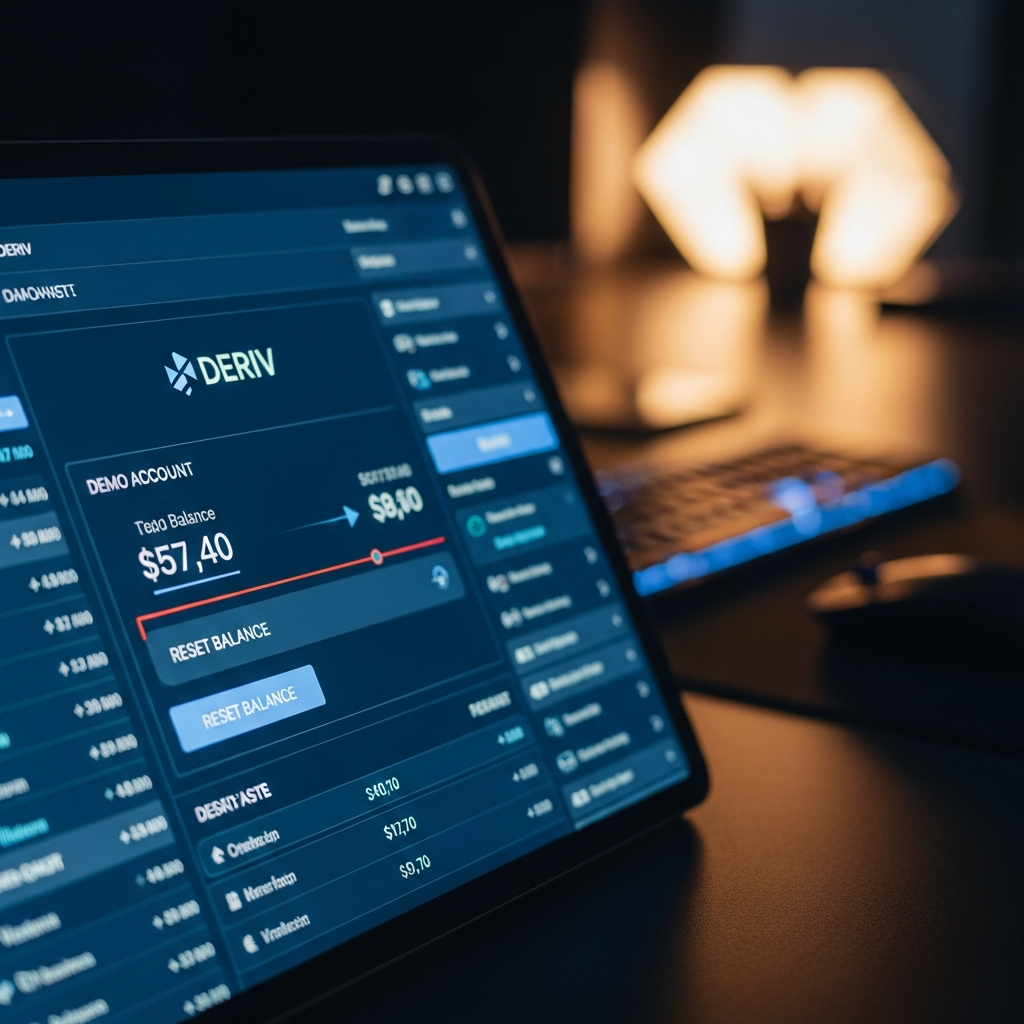
First, log into your Deriv account. Ensure you are in ‘Demo’ mode by checking the top right corner of the screen. If it says ‘Real’, click the dropdown and switch it over to ‘Demo’. You will see your current balance displayed prominently.
Now, here is the catch: Deriv typically allows you to perform a Deriv demo account balance reset (or ‘Top Up’) once your balance falls below a certain threshold. In 2026, this threshold is generally around $1,000. If you have $5,000 left and want to go back to $10,000, you might find the button isn’t immediately visible.
If your balance is low enough, click on the balance itself. A sidebar or modal window will usually appear. Look for the button labeled ‘Top Up’ or ‘Reset Balance’. One click, and boom—you are back to $10,000 virtual USD. It is that simple. If the button isn’t there because your balance is too high, some traders intentionally place ‘junk’ trades with high leverage to bring the balance down quickly so they can trigger the reset.
Resetting Your Deriv MT5 (DMT5) Balance
For most of us, the real action happens on MetaTrader 5. The DMT5 account is separate from your main DTrader (wallet) balance. You might have $10,000 in your main demo wallet but $0 in your MT5 demo account because you haven’t transferred the funds yet.
Transferring vs. Resetting
If your DMT5 balance is zero, you don’t necessarily need a Deriv demo account balance reset in the traditional sense; you just need to transfer funds from your main demo wallet to your MT5 account. Go to the ‘Trader’s Hub’, find your MT5 demo account, and click ‘Transfer’.
But what if you’ve blown the MT5 account specifically? You can go back to the Deriv Dashboard, select the MT5 tab, and look for the ‘Manage Account’ or ‘Top Up’ section. Deriv has made it quite seamless in 2026 to push funds back into the MT5 environment. If the platform prevents a direct reset because you still have some funds left, the quickest way is often to delete that specific MT5 demo instance and create a new one within the Trader’s Hub. This gives you a fresh login and a shiny new $10,000 balance instantly.
Common Pitfalls: Why Can’t I Reset My Balance?
It is midnight, you are ready to trade the Asian session, and the reset button isn’t working. It is frustrating. Here are a few reasons why your Deriv demo account balance reset might be hitting a wall:
- Balance Threshold: As mentioned, if you still have $2,000 or $3,000, the system might think you have plenty of ‘paper money’ left. You usually have to be below $1,000 to see the magic button.
- Open Positions: You cannot reset or top up while you have active trades running. Close all your losing (or winning) positions first, then try the reset.
- Daily Limits: While rare, some regions or account types in 2026 have a limit on how many times you can ‘Top Up’ in a 24-hour period to prevent server abuse.
- Cache Issues: Sometimes the UI just gets stuck. A quick hard refresh (Ctrl + F5) or clearing your browser cache can make the ‘Top Up’ button reappear.
The Psychology of the Infinite Reset
While the Deriv demo account balance reset is a fantastic tool, it carries a hidden danger: the ‘Infinite Money’ mindset. When you know you can just click a button and get another $10,000, you tend to trade more recklessly. You take trades you would never take on a real account. You ignore your stop losses because, hey, it is just a demo.
To truly benefit from your practice, I recommend treating each reset as a ‘life’ in a game. Tell yourself, “I only have three resets this month.” This adds a layer of consequence to your actions. If you find yourself needing a Deriv demo account balance reset every three days, the problem isn’t the platform—it is your risk management. Use the reset to practice recovery, not just to fund more gambling.
Advanced Tips for 2026 Traders
As we move further into 2026, Deriv has integrated more AI-driven insights into their platforms. When you perform a Deriv demo account balance reset, take a moment to look at the ‘Trade Analytics’ section (if available in your region). Often, the platform will show you a heat map of where you went wrong before the reset. Did you lose it all on Volatility 75 Index? Was it your late-night trading? Use the data from your ‘blown’ account before you wipe the slate clean.
Another tip: If you are testing a specific strategy for a small account (say, you only plan to deposit $100), don’t just reset to $10,000 and trade. Instead, try to lose enough until you get to $100, then see if you can grow it. Or, better yet, use the Deriv X platform which sometimes allows for more granular control over your starting demo balance.
Frequently Asked Questions
Does resetting my demo account affect my real account?
Absolutely not. Your demo and real accounts are completely separate. You can blow your demo account a thousand times and perform a Deriv demo account balance reset every single time without it ever touching your real-money balance or your credit score.
Can I reset to a specific amount, like $500?
Standard resets on DTrader and DMT5 usually default back to the standard $10,000. However, you can manage your balance by transferring only small amounts from your main demo wallet to your MT5 account. For example, if you have $10,000 in your wallet, just transfer $500 to MT5 to simulate a smaller account size.
How many times can I reset?
In most cases, there is no hard limit on the total number of resets you can perform over the life of your account. Deriv wants you to practice because a better-educated trader is a more consistent client. However, don’t be surprised if there’s a short cooldown period if you try to reset ten times in ten minutes.
Wrapping Up Your Reset Journey
The ability to perform a Deriv demo account balance reset is one of the best features of modern trading platforms. It removes the fear of failure and allows for pure, unadulterated experimentation. Whether you are a seasoned pro testing a new algorithm or a complete newbie trying to figure out which way is up, that ‘Top Up’ button is your safety net.
Just remember: the goal isn’t to become a master of the demo account. The goal is to use the demo account to become a master of yourself. Use your resets wisely, analyze your mistakes before you click that button, and treat that virtual $10,000 with the same respect you would treat your own hard-earned cash. Once you can grow a demo balance consistently without needing a reset, you will know you are ready for the real thing.
Now, go back to the Trader’s Hub, hit that reset, and let’s see some green pips on those charts!