

Staring at a Spinning Loader? Dealing with Deriv Login Problems Today
We have all been there. You wake up, coffee in hand, ready to catch that early morning trend on the Volatility 100 index or maybe check your open positions on the EUR/USD. You head to the site, punch in your credentials, and… nothing. Maybe the page just hangs. Maybe you get a generic “Invalid Credentials” error even though you know your password by heart. Or worse, the login button doesn’t even react to your clicks.
Dealing with Deriv login problems today can feel like hitting a brick wall at sixty miles per hour. In the fast-paced world of 2026 trading, every minute you spend locked out is a minute you aren’t managing risk or capitalizing on market movements. But before you start frantically resetting your router or sending angry support tickets, let’s take a breath and walk through exactly what is likely happening and how to fix it.
Most of the time, these issues fall into one of three buckets: it’s them (the servers), it’s you (your device/connection), or it’s a middleman (your ISP or a DNS glitch). Let’s break it down so you can get back to the charts.

Is the System Down? Checking the Source First
The first thing I always do when I encounter Deriv login problems today is check if I’m the only one. There is a weird kind of comfort in knowing that thousands of other traders are also staring at the same blank screen. It means the problem isn’t your account; it’s a technical glitch on their end.
Platforms like Deriv are massive. They handle millions of requests per second. Even with the advanced server architecture we have in 2026, things can break. Sometimes it’s a scheduled maintenance window that you missed the email for. Other times, it’s an unscheduled outage caused by a surge in traffic or a backend update gone wrong.
- Check Official Social Media: Deriv is usually quick to post on X (formerly Twitter) or their official Telegram channel if they are experiencing widespread technical difficulties.
- DownDetector or Similar Tools: While not always 100% accurate for niche platforms, checking crowdsourced status sites can give you a hint. If you see a spike in reports over the last hour, you’ve found your answer.
- The Community Pulse: Hop into a trading forum or a WhatsApp group. If the Deriv login problems today are universal, the chat will be buzzing within minutes.
The “Ghost in the Machine” – Browser and Cache Issues
If the servers are green and everyone else is trading happily, the spotlight moves to your own setup. You would be surprised how often a single corrupted bit of data in your browser’s cache can cause a total login failure. I remember a friend, Leo, who spent three hours trying to reset his password because he couldn’t log in, only to realize that his Chrome browser had cached an old, broken version of the login script.
Modern browsers try to be helpful by saving parts of websites to make them load faster. But when Deriv updates its security protocols or its interface, that old saved data can clash with the new code. The result? You guessed it: Deriv login problems today.
The Fix:
Try opening an Incognito or Private window. This launches a session without your saved cookies and cache. If you can log in there, you know the problem is your browser data. A quick “Clear Cache and Cookies” (specifically for the last 24 hours) usually does the trick. It’s annoying to have to log back into everything, but it’s better than being locked out of your trading capital.
The Network Gremlins: DNS and ISP Blocks
Sometimes the issue isn’t the website or your computer, but the “tunnel” you’re using to get there. ISPs (Internet Service Providers) sometimes update their security filters or DNS tables. In 2026, many countries have stricter regulations on financial platforms, and occasionally, an ISP might accidentally flag a legitimate trading site like Deriv as a restricted zone.
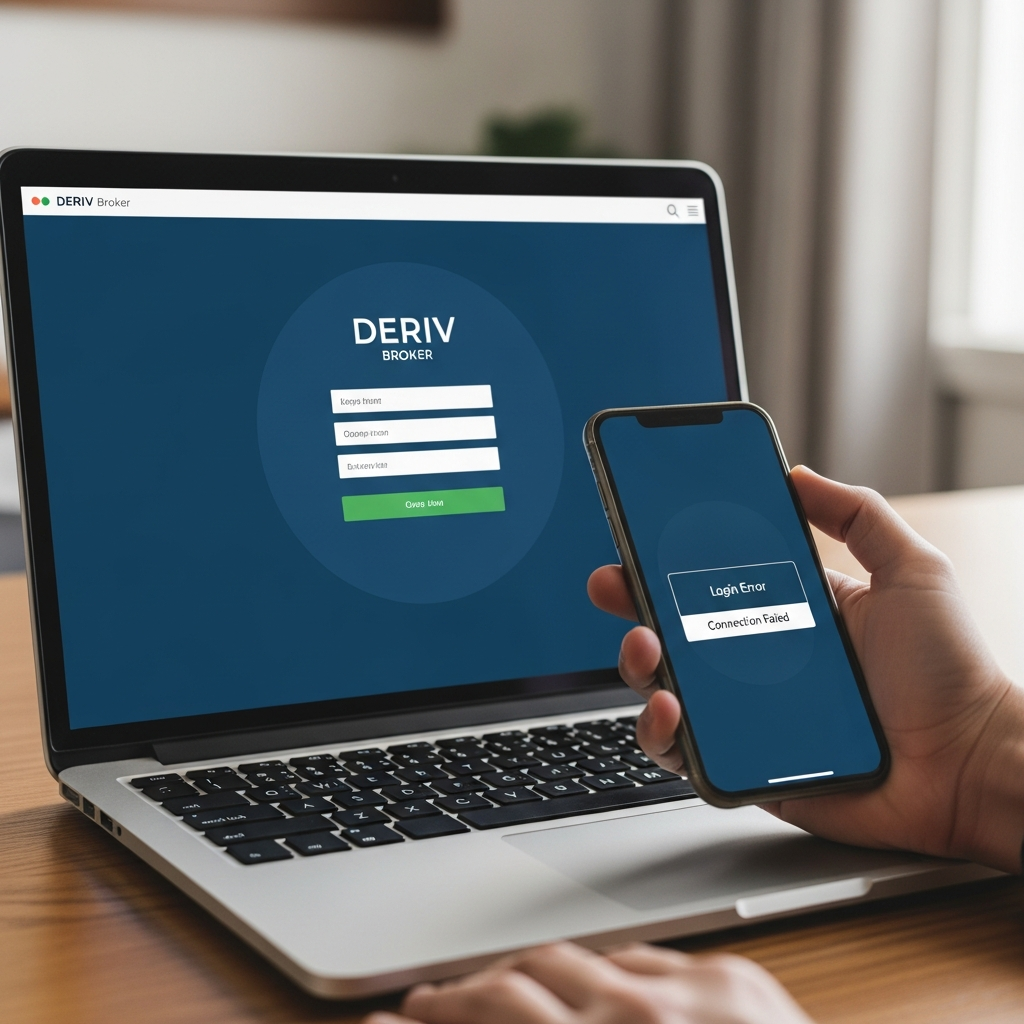
If you’re seeing an error like “Connection Refused” or “Site Cannot Be Reached,” it’s likely a network issue. One way I’ve bypassed Deriv login problems today in the past is by switching from my home Wi-Fi to my mobile data. If the site loads on your phone’s 5G but not on your fiber connection, your ISP is the culprit.
Changing your DNS to Google’s (8.8.8.8) or Cloudflare’s (1.1.1.1) can also bypass these local bottlenecks. It sounds technical, but it takes about two minutes in your network settings and often results in a more stable connection for trading anyway.
Security Traps: 2FA and Account Lockouts
Security is a double-edged sword. We want our money to be safe, but sometimes the very systems meant to protect us become the source of Deriv login problems today. If you have Two-Factor Authentication (2FA) enabled—and you absolutely should—there are a few things that can go wrong.
First, check your device’s time. If your phone’s clock is even a minute out of sync with the global standard, your 2FA codes will be rejected. This is a common issue for people who travel frequently across time zones. Most 2FA apps rely on time-based one-time passwords (TOTP). If the time is wrong, the code is wrong.
Another common scenario is the “Too Many Attempts” lockout. If you’ve fat-fingered your password three or four times, Deriv’s security system might temporarily blacklist your IP address to prevent a brute-force attack. If this happens, wait 30 minutes, or try logging in from a different device to see if the block is IP-specific.
The App vs. The Web Platform
Deriv offers multiple ways to trade: the DTrader web interface, the Deriv GO app, and the MT5 (MetaTrader 5) terminal. Interestingly, Deriv login problems today might only affect one of these entry points. I’ve had days where the web platform was sluggish and wouldn’t let me in, but the MT5 terminal worked perfectly because it connects to a different set of servers.
If you’re using the Deriv GO app and it’s acting up, check for updates. In 2026, app ecosystems move fast. An outdated version of the app might lack the necessary security certificates to handshake with the server. If an update doesn’t help, try a quick uninstall and reinstall. It’s the “turn it off and back on again” of the mobile world, and it still works wonders.
When to Contact Support (and How to Do It Right)
If you have tried the cache clearing, the DNS swap, the app update, and confirmed that the servers are actually up, but you still have Deriv login problems today, it’s time to call in the cavalry. But don’t just send a message saying “it doesn’t work.” That’s a recipe for a long, frustrating back-and-forth.
To get a faster resolution, give them the data they need. Take a screenshot of the specific error code. Tell them what device you are using and what steps you’ve already taken. If you see a specific message like “Account Suspended” or “Verification Required,” that’s a different beast altogether and usually requires you to re-upload your ID or proof of address.
Deriv’s live chat is usually the fastest route, though during a major outage, you might find yourself in a queue. Patience is key. Remember, the support agents didn’t break the site; they’re just the ones tasked with helping you navigate the mess.
The Psychological Toll of Being Locked Out
There is a psychological side to Deriv login problems today that many people don’t talk about. When you can’t get into your account, and you know you have trades running, your stress levels spike. This can lead to “revenge trading” once you finally do get back in. You feel like you need to make up for the time or the missed opportunities.
My advice? If you’ve been struggling for an hour to log in, and you finally succeed, don’t jump straight into a trade. Walk away for ten minutes. Let the adrenaline settle. The market will still be there. Making decisions from a place of frustration is the fastest way to drain an account. Use the lockout as a forced break—a time to sharpen your focus rather than cloud your judgment.
Future-Proofing Your Access
How can you prevent Deriv login problems today from ruining your week in the future? It’s all about redundancy. Have the platform installed on at least two devices—say, your laptop and your smartphone. Ensure you have a secondary internet source, like a mobile hotspot, ready to go if your primary ISP fails.
Keep your login credentials managed in a secure password manager so you aren’t guessing which version of your password is the current one. And most importantly, keep your eyes on the official communication channels. Being the first to know about scheduled maintenance means you can close your positions and avoid the stress altogether.
Trading is hard enough without technical barriers. While Deriv login problems today are a nuisance, they are usually temporary. By staying calm and systematically working through the troubleshooting steps we’ve discussed—checking server status, clearing your cache, verifying your network, and keeping your apps updated—you’ll be back on the dashboard and looking at those candlesticks before you know it. The markets are always moving, and with a little technical know-how, you’ll be right there moving with them.