The Shift from Manual Stress to Automated Freedom
I remember the first time I sat in front of a trading chart at 2 AM. My eyes were bloodshot, my caffeine levels were dangerously high, and I was waiting for that one specific RSI cross that never seemed to happen. It was exhausting. If you have spent any time in the markets, you know exactly what I am talking about. The emotional roller coaster of fear and greed can wreck even the best strategy. That is exactly why I turned to automation. Specifically, I turned to the visual logic of DBot.
In 2026, we are lucky to have tools that bridge the gap between complex C++ or Python coding and the average person who just wants a logical system to follow. You do not need a computer science degree to build a profitable trading robot. You just need to understand the logic flow. In this guide, we are going to dive deep into how to code deriv dbot blocks so you can stop staring at candles and start living your life while your strategy runs in the background.
The Architecture of a Trading Robot
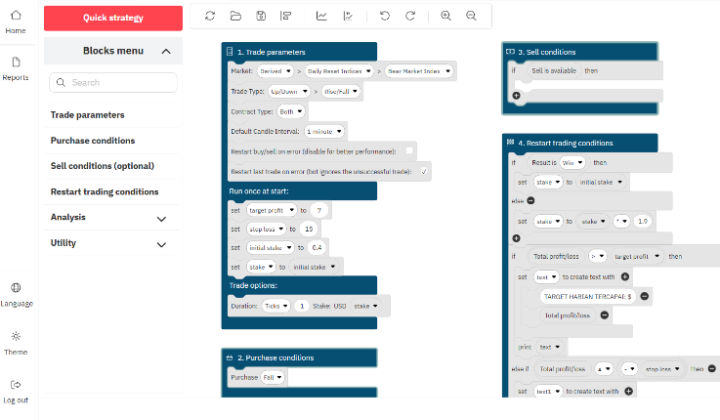
Think of building a bot like building a house with Legos. Each block has a specific function. If you miss a foundation block, the whole thing collapses. If you forget a roof block, you are going to get wet when it rains. On Deriv, the workspace is divided into four primary mandatory blocks. You cannot run a bot without these four, and understanding their relationship is the first step in learning how to code deriv dbot blocks effectively.
1. The Trade Parameters Block (Block 1)
This is your foundation. Here, you define the “where” and the “how much.” You specify the market (like Volatility 100 Index or Synthetic Pairs), the trade type (Rise/Fall, Over/Under), and your initial stake. It is the configuration phase. Without this, the bot has no idea which room it is standing in.
2. The Purchase Conditions Block (Block 2)
This is the “brain.” This is where you tell the bot exactly when to enter a trade. This is where your strategy lives. Are you looking for three red candles in a row? Are you waiting for a Bollinger Band touch? This block constantly scans the market data, waiting for the criteria you have set to be met.
3. The Purchase Action Block (Block 3)
This is the simplest block, yet it is the one that pulls the trigger. Once Block 2 says “Yes, the conditions are met,” Block 3 executes the buy. It is the bridge between analysis and action.
4. The After Purchase Block (Block 4)
This is where your risk management happens. Many beginners ignore this, but it is actually the most important part. This block decides what happens after a trade finishes. Did you win? Maybe you should reset the stake. Did you lose? Maybe you want to implement a Martingale strategy or a stop loss. This is the feedback loop that keeps your account balance safe.
How to Code Deriv DBot Blocks: A Step-by-Step Walkthrough
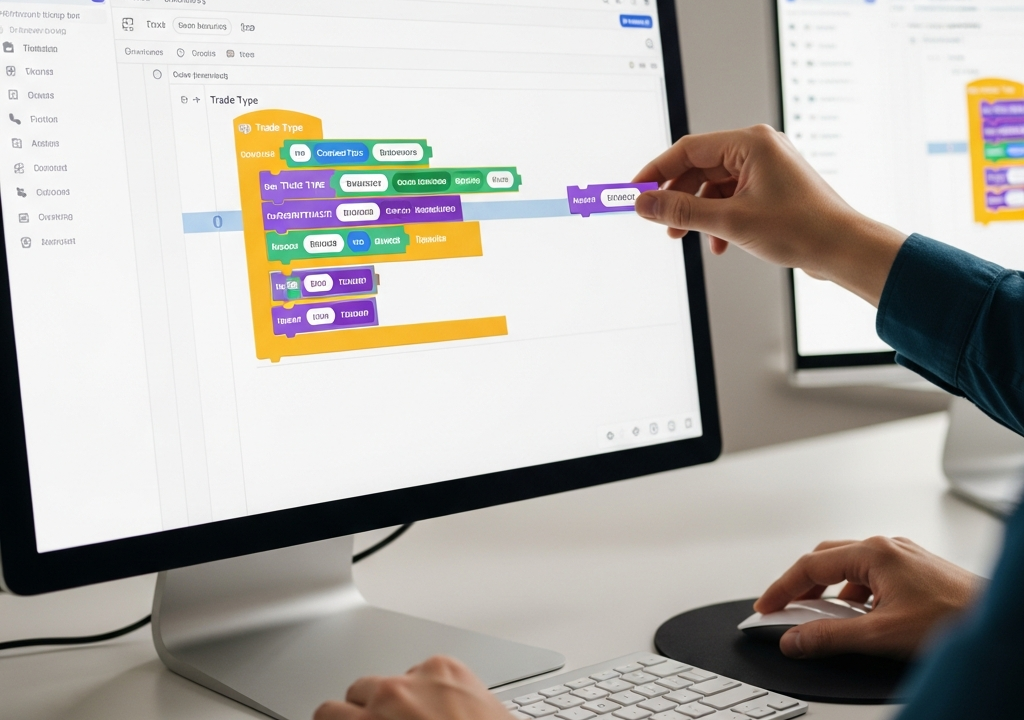
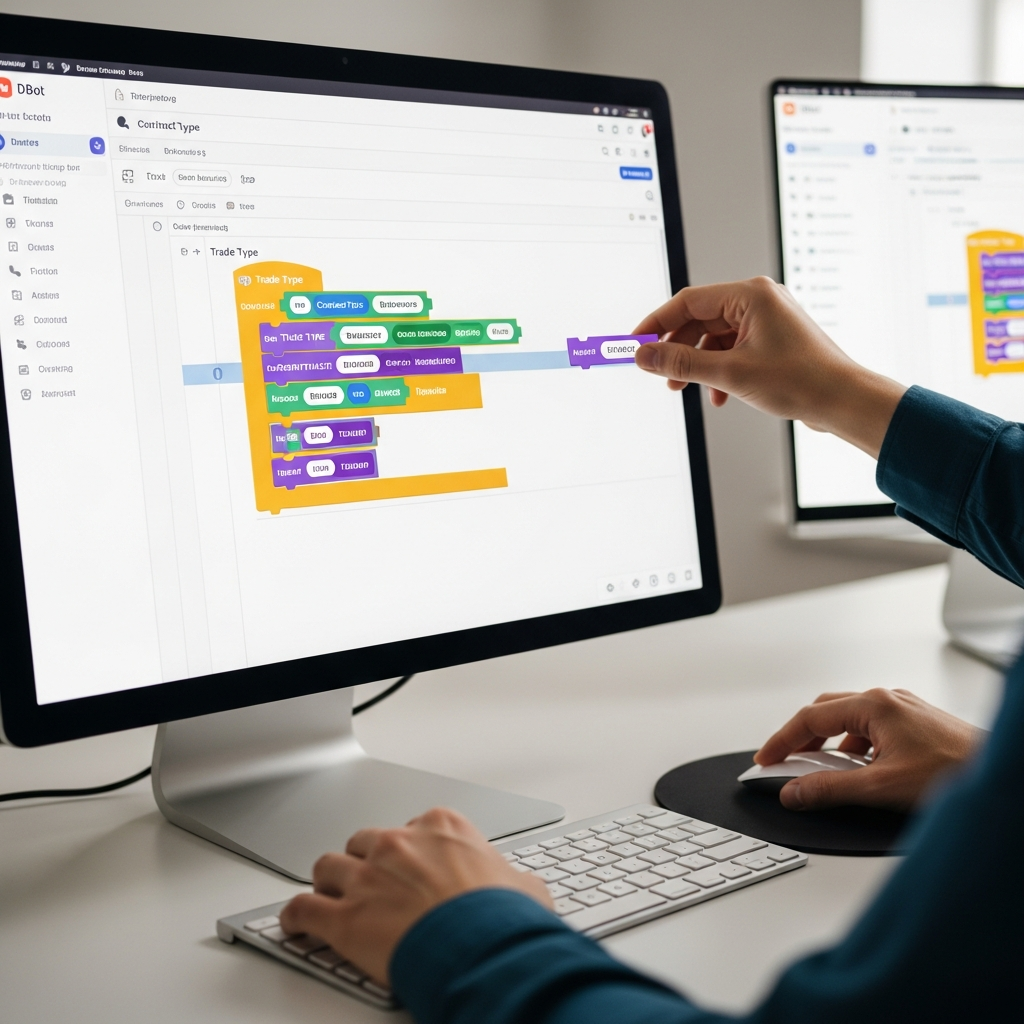
Let’s get our hands dirty. We aren’t just talking theory here; we are building. For this example, let’s look at creating a simple strategy that uses a moving average cross. It is a classic for a reason—it is logical and easy to visualize.
Step 1: Setting Variables
Before you drag a single indicator block, you need variables. Go to the ‘Variables’ tab and create three: Stake, Target Profit, and Stop Loss. By using variables instead of hard-coding numbers into your blocks, you make your bot infinitely easier to tweak later. Instead of hunting through fifty blocks to change a $10 stake to $20, you just change it once in the variable definition.
Step 2: Defining the Entry Logic
When learning how to code deriv dbot blocks, the Logic tab is your best friend. You will use the If / Do block. Inside the If section, you might place a comparison block. For example: If [EMA 10] is greater than [EMA 20]. In the Do section, you drag the Purchase: Rise block. This tells the bot: “When the fast average crosses above the slow average, buy a Rise contract.”
Step 3: Handling the Result
This is where most people fail. They build a bot that can buy, but they don’t build a bot that can manage. In Block 4, you need a logic check. If [Trade Result] is [Loss], then Set [Stake] to [Stake * 2]. This is a basic Martingale. However, in 2026, we tend to favor more conservative approaches. You might instead say: If [Total Profit] is greater than or equal to [Target Profit], then Finish the trade session.
Advanced Logic: Beyond the Basics
Once you are comfortable with the standard how to code deriv dbot blocks process, you can start playing with mathematical functions and nested logic. Nested logic is simply putting an If statement inside another If statement. It allows for high-precision entries.
For instance, you might want to trade only if the EMA cross happens AND the RSI is below 30 (oversold). This prevents the bot from entering a trade at the very end of a trend when a reversal is likely. To do this, you use the And block found in the Logic menu. It requires both sides of the equation to be true before the action is taken.
The Power of Custom Functions
As you get deeper into the ecosystem, you will find yourself repeating the same sets of blocks. Maybe you have a specific way of calculating a trailing stop loss. Instead of rebuilding those blocks every time, you can create a ‘Function.’ You define the logic once, name it “MyRiskManager,” and then you can just drop the “MyRiskManager” block into any new bot you build. It saves time and reduces the chance of making a manual error.
The Psychology of Automation in 2026
One of the biggest hurdles isn’t actually how to code deriv dbot blocks; it is trusting them. I have seen traders spend weeks building a perfect bot, only to turn it off the moment it hits its first losing trade. You have to remember that a bot is a statistical tool. It is designed to win over a series of trades, not every single one.
When you code your own blocks, you understand the “Why” behind every move. This gives you the confidence to let the bot run through a drawdown. If you just download a bot from a random Telegram group, you will panic the moment the balance goes red. But if you built the logic—if you were the one who snapped those blocks together—you know that the drawdown is just a part of the math.
Common Mistakes to Avoid
- Forgetting the Virtual Account: Never, ever run a new block configuration on a real account first. I don’t care how sure you are. One misplaced “greater than” sign can drain an account in minutes.
- Ignoring Market Volatility: A bot that works perfectly on a Volatility 10 Index might get absolutely crushed on the Volatility 100 (1s) Index. The speed and price action are different. Always tailor your block logic to the specific market.
- Over-optimizing: This is the “Curve Fitting” trap. If you add twenty different filters to make your bot look perfect on historical data, it will likely fail in live markets because it has become too rigid. Simplicity often wins.
- Missing Stop Losses: It is easy to get excited about the profit blocks, but the stop loss block is what keeps you in the game for the long haul.
The Future of DBot Blocks
Looking at where we are in 2026, the integration of sentiment analysis and more complex AI-driven data into these blocks has become a reality. We are seeing more blocks that can scrape news or social sentiment to adjust trade parameters automatically. While the core of how to code deriv dbot blocks remains the same, the data we can feed into them is becoming much more sophisticated.
However, the fundamental principle remains: garbage in, garbage out. If your underlying strategy is flawed, no amount of fancy blocks will save it. Start with a solid, proven manual strategy, and then translate it into the visual language of the DBot workspace.
Wrapping Things Up
Mastering how to code deriv dbot blocks is a journey of trial and error. It is about taking a complex idea and breaking it down into its smallest, most logical components. It starts with a simple purchase and ends with a fully autonomous system that manages risk, targets profit, and executes with the kind of discipline that humans simply cannot match.
Don’t feel like you have to build a masterpiece on day one. Start by coding a bot that simply buys a Rise contract every time the last digit of the price is even. Watch it run. See how the blocks interact. Then, slowly add layers—add a loss-tracking variable, add a moving average filter, add a profit target. Before you know it, you won’t be looking for tutorials anymore; you will be the one designing the strategies of the future. The workspace is waiting—go snap some blocks together.